Palette Pilot Case Study
A browser color workspace built to move from inspiration to a production-ready system without breaking the creative flow.
Case Study
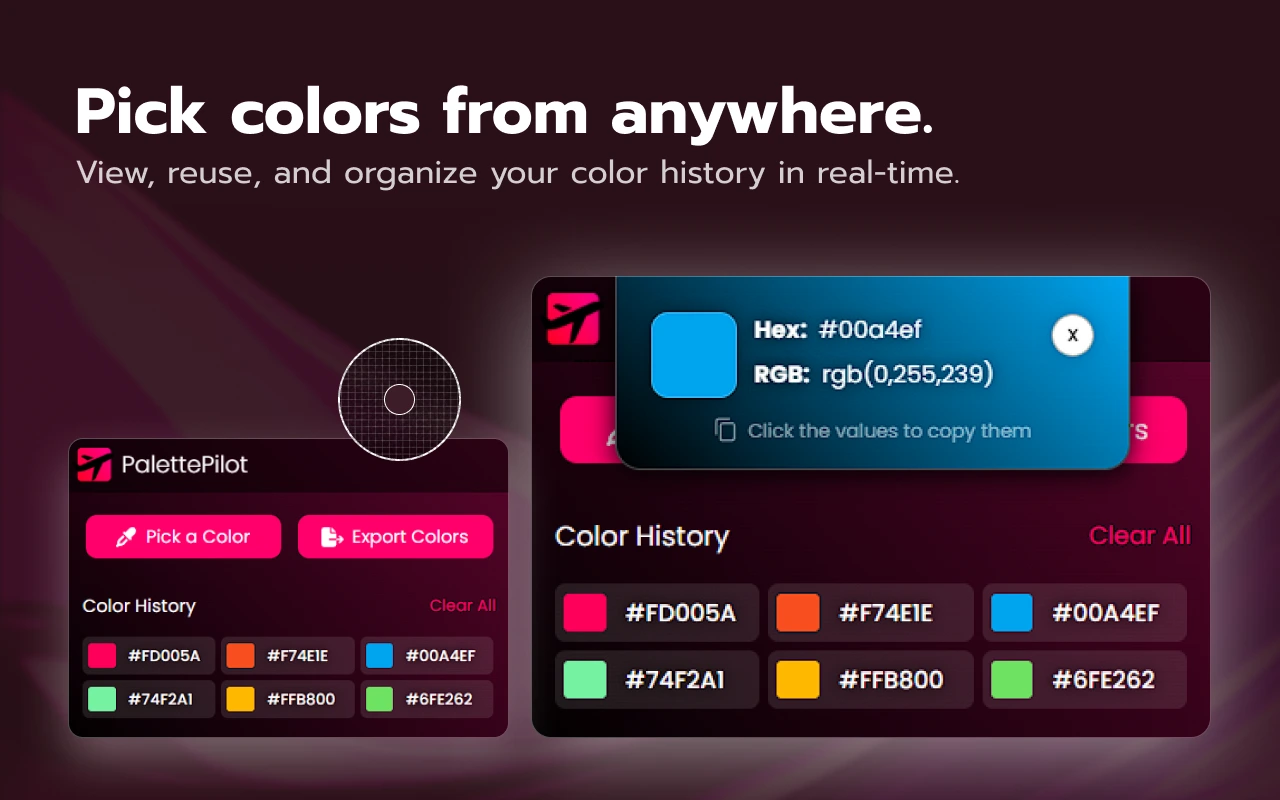
Palette Pilot started with a simple frustration: finding a color is easy, but turning it into a thoughtful, accessible system usually means jumping between an eyedropper, a palette generator, a contrast checker, and several export tools. I wanted that entire path to live in one focused browser workspace.
The Problem
Color work becomes fragmented surprisingly quickly. A designer might spot a color on a webpage, convert it into several formats, build related shades, test combinations for contrast, name semantic tokens, and finally export everything for development. Every tool switch adds friction and makes it easier to lose context.
The challenge was to bring those tasks together without turning a small browser extension into an overwhelming design application.
What I Focused On
Workflow continuity. The product follows a clear Capture, Create, Validate, and Deliver path, so the result of one action naturally becomes the starting point for the next.
Useful density. HEX, RGB, HSL, OKLCH, contrast results, palettes, and export options all need room, but the interface still has to feel calm inside a compact extension window.
Accessibility in the workflow. Contrast testing, palette matrices, and color-vision simulation are treated as part of making a palette, not as a final checkbox hidden at the end.
Design Direction
The visual system uses a dark working surface and a vivid pink signature color so picked colors remain the content, not decoration competing with them. Clear grouping, compact navigation, and consistent controls make the interface feel like one connected workspace rather than a collection of unrelated utilities.
The same identity carries into the product website, where the story mirrors the product journey and lets the interface demonstrate the value instead of relying on a long feature list.
From Tool to Product
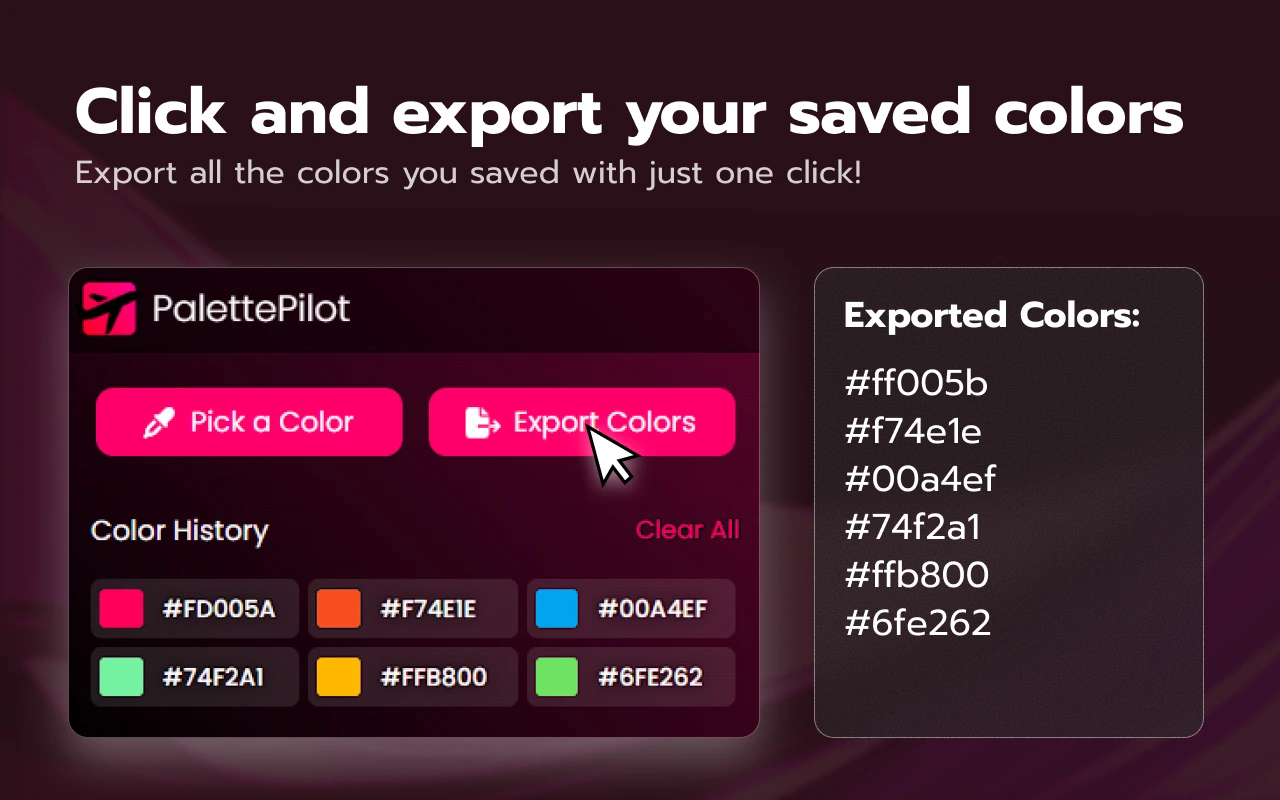
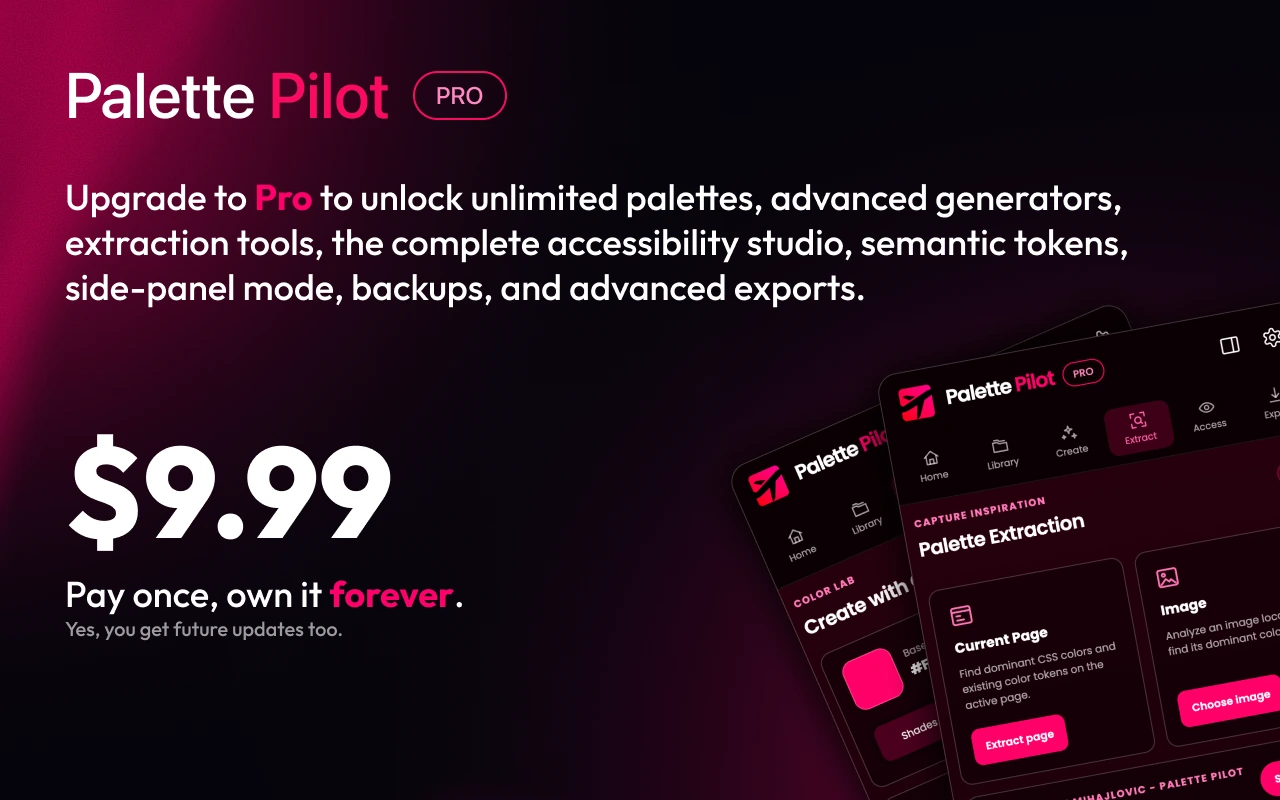
Palette Pilot was designed as a complete product, not only an extension interface. The free version covers the essential color-picking workflow, while Pro expands the workspace with unlimited organization, page and image extraction, deeper accessibility tools, semantic tokens, and advanced exports.
Palette data stays in local extension storage, image analysis runs locally, and the licensing flow is kept separate from the creative work. That balance keeps the experience private, fast, and easy to start without an account.
The Result
The finished product turns a scattered set of color tasks into one repeatable workflow. A color can be captured from the screen, developed into a complete family, checked for accessibility, organized as reusable tokens, and exported in production-ready formats without leaving the browser.
Palette Pilot is available for Chrome and Microsoft Edge, with a focused product page that explains both the free workflow and the full Pro workspace.