Tab Volume Manager Case Study
A browser audio toolkit designed to stay simple for quick fixes and become precise when the sound needs more attention.
Case Study
Tab Volume Manager began with a common browser problem: one video is barely audible, the next site is painfully loud, and the browser gives you one basic volume control for everything. The goal was to create a fast everyday fix that could also grow into a serious audio workspace when users wanted more control.
The Problem
Audio levels across the web are inconsistent, but the usual solutions sit at two extremes: a basic volume booster with almost no control, or an interface so technical that a quick adjustment feels like opening studio software.
The product needed to serve both moments. Someone should be able to make a quiet tab louder in seconds, while a more demanding user can shape voices, bass, dynamics, and individual frequencies without leaving the browser.
What I Focused On
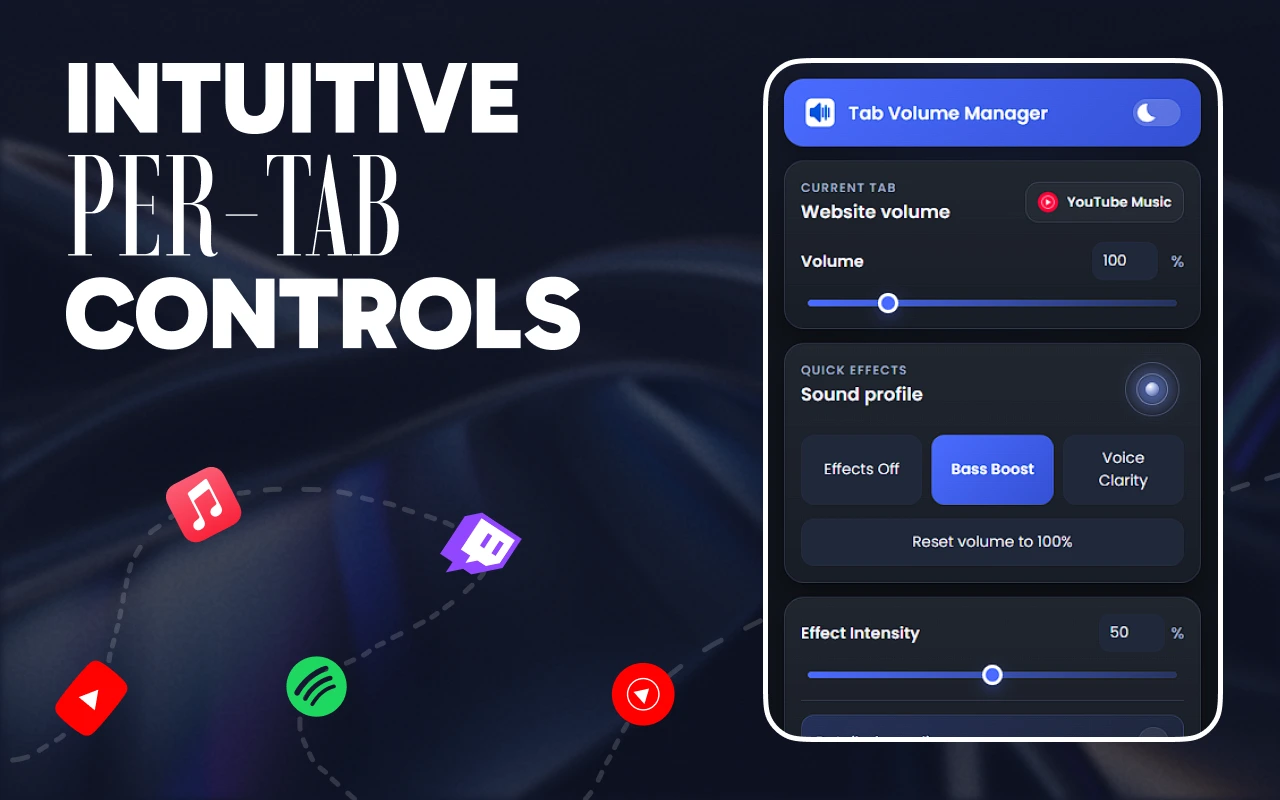
A fast first action. Per-tab volume, mute, and reset stay immediate, with the current value visible and no setup standing between the user and the fix.
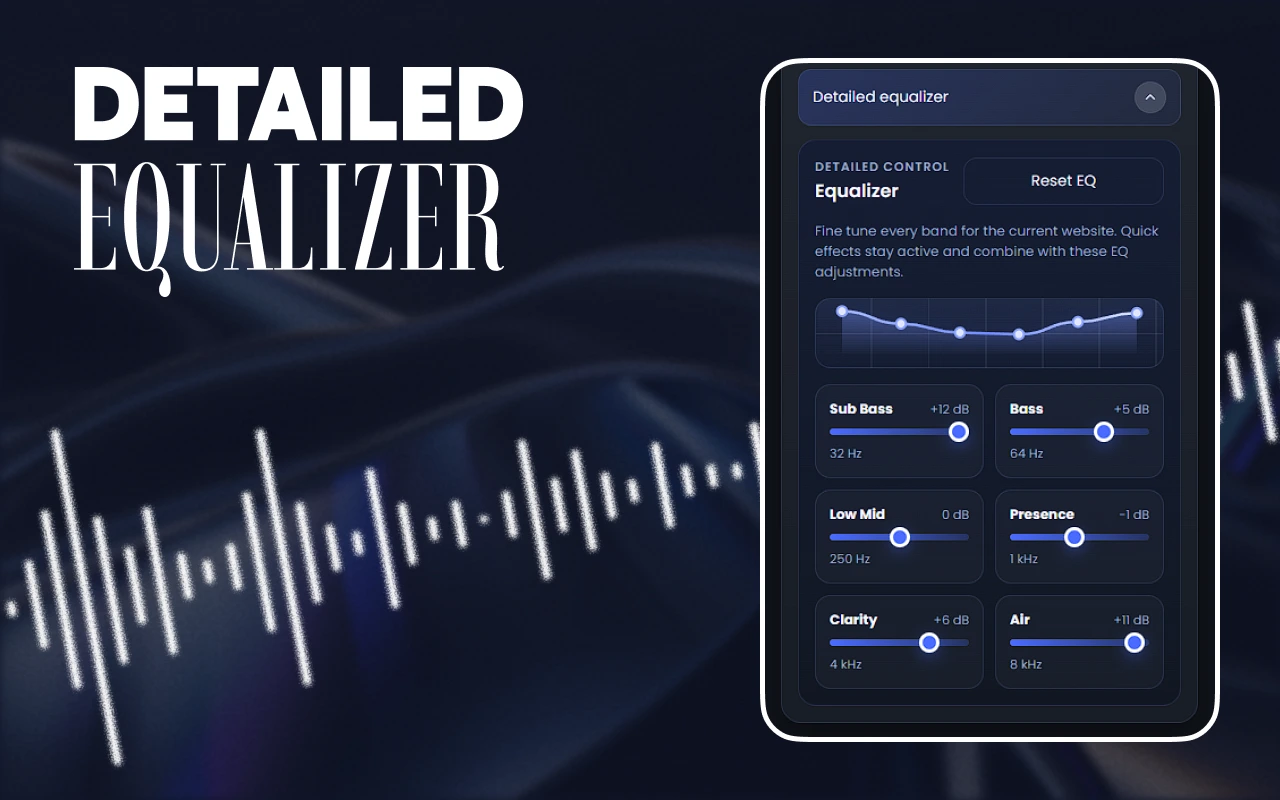
Progressive depth. Bass Boost and Voice Clarity offer understandable shortcuts, while presets and the multi-band equalizer provide precise control when it is needed.
Remembered context. Per-site settings make the extension feel helpful over time, so users do not have to repeat the same adjustment whenever they return.
Design Direction
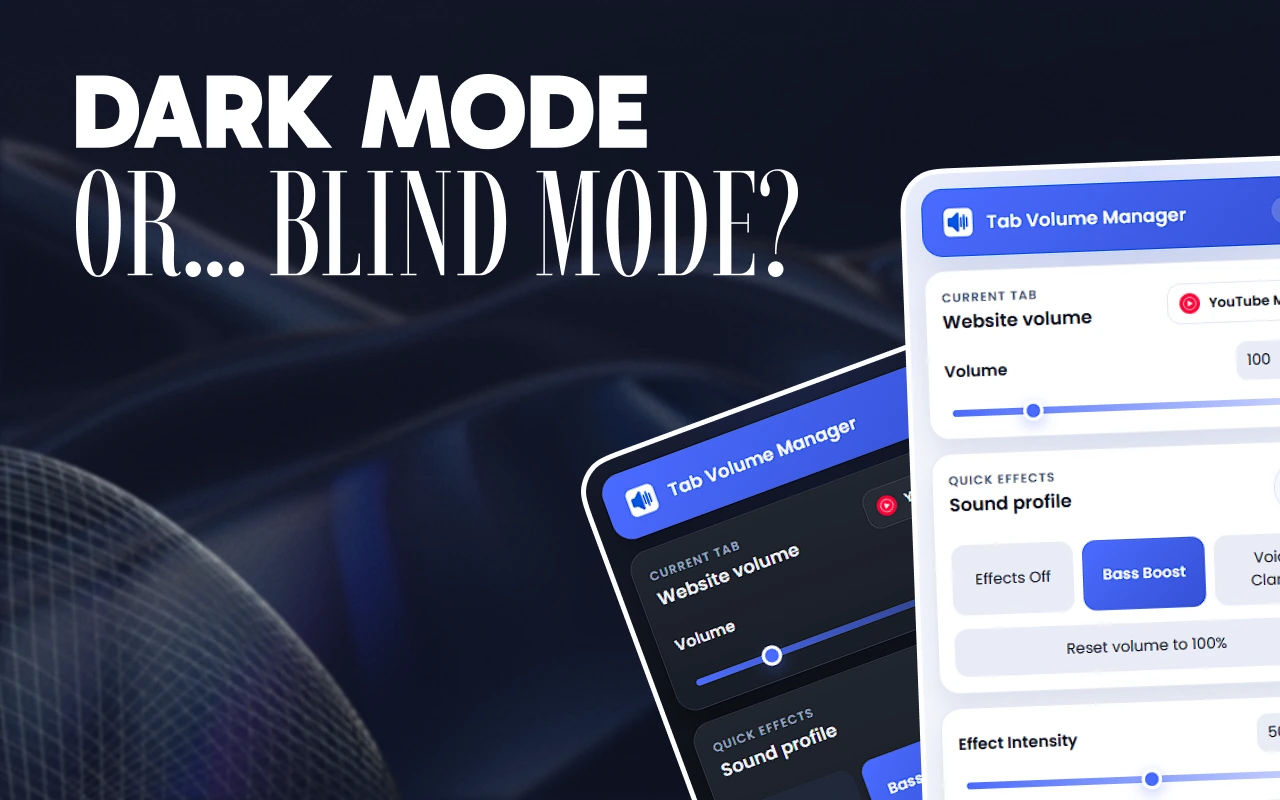
The interface uses a dark, compact control surface with electric blue accents that feel connected to audio and signal processing without becoming cold or overly technical. Familiar sliders, clear numeric feedback, and descriptive labels keep every control understandable at a glance.
The visual hierarchy separates quick controls from advanced tools, allowing the product to feel lightweight even as features such as a ten-band equalizer, multi-tab mixer, adaptive volume, and saved profiles are introduced.
Building the System
The extension turns Web Audio API capabilities into a stable product flow: choose a tab, set its level, apply an effect or profile, and let the site-specific setup return the next time it is needed. Audio processing only runs while Tab Volume Manager is active, and settings and presets remain in local extension storage.
The product system also includes a free core experience, several Pro options, secure checkout, license delivery and management, Chrome and Edge distribution, and a dedicated website that explains the difference between a quick volume tool and the complete audio suite.
The Result
The finished extension scales from one simple slider to a complete browser audio toolkit. Users can control individual tabs, improve speech or bass, tune frequency bands, manage every audible tab from one mixer, and keep preferred settings tied to the websites they use.
Tab Volume Manager is available for Chrome and Microsoft Edge, with a free starting point and a clear path into the advanced Pro feature set.