Tab Volume Manager Get the extension

Better sound.
Every tab.

Turn quiet videos up, tame loud websites, enhance voices, and shape your browser audio from one simple control center.

Free to start · Up to 500% volume · Chrome & Edge

chrome-extension://tab-volume-manager
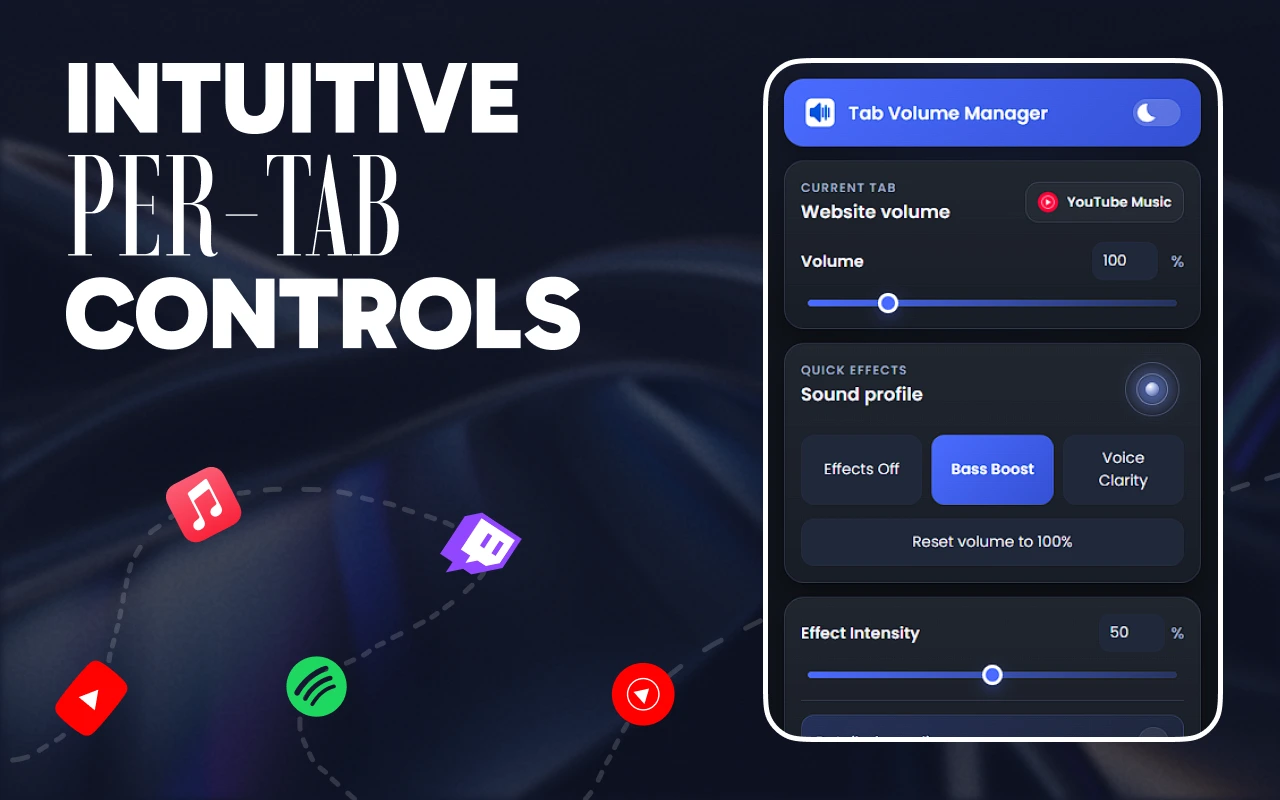
Tab Volume Manager showing per-tab volume controls
Per-tab control Instant audio processing Settings saved by site Chrome & Edge

The volume control your browser should have shipped with.

Simple when you need a quick fix. Deep when you want to tune every detail.

Make quiet tabs loud.
Keep loud tabs under control.

Set an independent volume for every website, mute instantly, or reset to the original level in one click.

Website volume240%
0%500%

Clearer voices.
Deeper sound.

Switch on Bass Boost or Voice Clarity, then dial the effect in exactly as far as you want.

Sound profile
Effects Off Bass Boost Voice Clarity
Effect Intensity50%

Shape the sound,
not your workflow.

Tune ten frequency bands, start with a sound profile, and save presets for the way you listen.

WarmMusicPodcastGaming
+4 dB32 HzSub Bass
+3 dB64 HzBass
+2 dB125 HzBody
0 dB250 HzLow Mid
-1 dB500 HzMid
+1 dB1 kHzPresence
+3 dB2 kHzDetail
+2 dB4 kHzClarity
0 dB8 kHzAir
-1 dB16 kHzBrilliance

All your audible tabs.
One clean mixer.

See what is playing and balance everything without hunting through your tab bar.

Spotify72YouTube44Meet88

Balanced by itself.

Automatically smooth the jump between quiet dialogue and loud moments.

Set it once.
Hear it every time.

Tab Volume Manager remembers how each website should sound, then restores that setup when you return.

  1. Open an audible tabEverything currently playing is ready to adjust.
  2. Make it sound rightChoose a level, effect, or complete sound profile.
  3. Leave the rest to usYour settings return automatically on your next visit.
Tab Volume Manager
VolumeEffectsEqualizer✦ Pro
QUICK EFFECTS

Sound profile

Effects OffBass BoostVoice Clarity
Effect Intensity50%
Settings saved forspotify.com Remembered

Powerful audio. Friendly interface.

Tab Volume Manager volume controls
Volume
Tab Volume Manager effects
Effects
Tab Volume Manager equalizer
Equalizer

Choose your way to go Pro.

Every plan includes the complete advanced audio suite. Lifetime adds the biggest boost and unlimited presets.

Monthly
$2.49

Complete Pro audio, billed monthly.

  • All Pro audio tools
  • Smart Limiter & Adaptive Volume
  • Movie Dialogue enhancement
  • 10-band EQ & Multi-tab Mixer
  • Four custom presets
MOST POPULARYearly
$14.99

Complete Pro audio for a full year.

  • All Pro audio tools
  • Smart Limiter & Adaptive Volume
  • Movie Dialogue enhancement
  • 10-band EQ & Multi-tab Mixer
  • Four custom presets
Save 50% vs monthly
Lifetime
$29.99

The biggest boost, forever.

  • Everything in Pro
  • Volume up to 1500%
  • Unlimited custom presets
  • One-time payment
  • Future Pro updates

Before you turn it up.

Need a hand? Get in touch.

What is included for free?

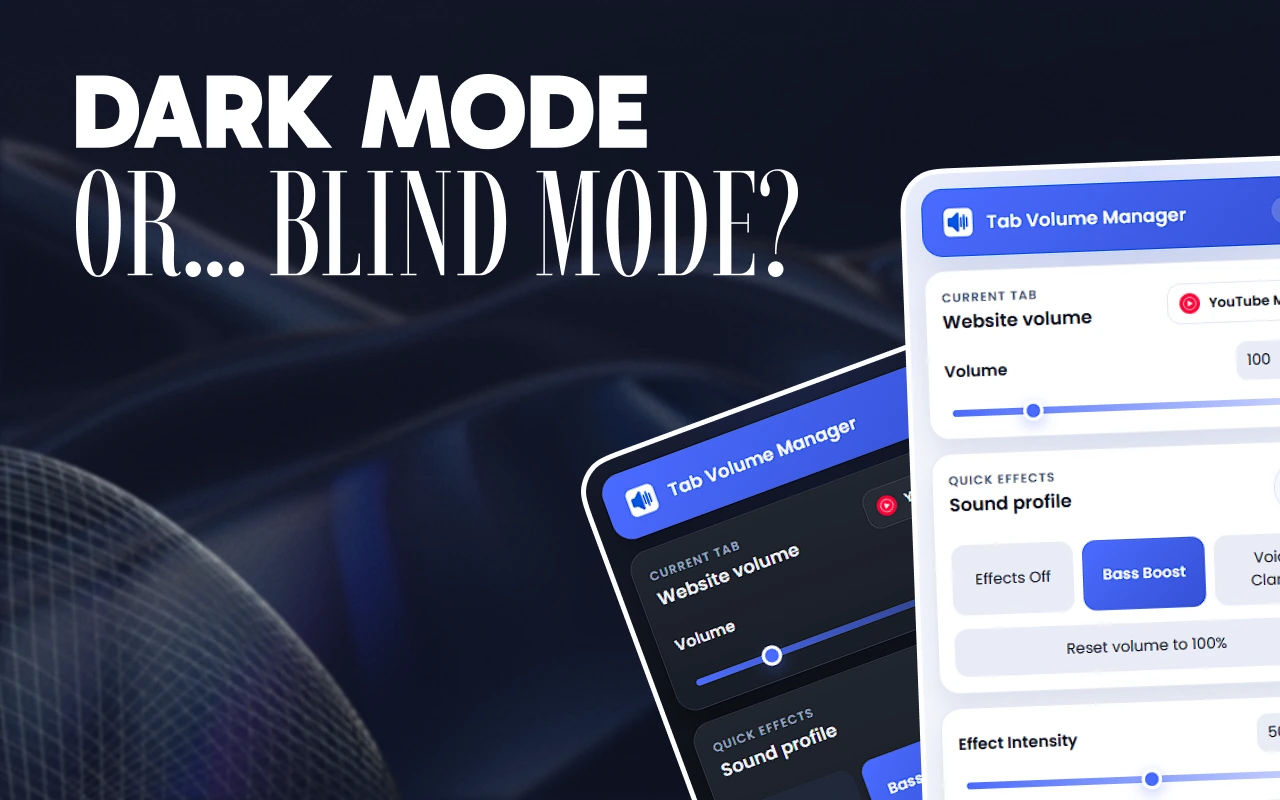
Per-tab volume up to 500%, mute and reset, Bass Boost, Voice Clarity, adjustable effect intensity, a six-band equalizer, one custom preset, per-site settings, and light/dark themes.

What does every Pro plan include?

Monthly, Yearly, and Lifetime unlock Smart Limiter, Adaptive Volume, Movie Dialogue, the full 10-band equalizer, Multi-tab Mixer, Sleep Timer, and the complete Pro suite.

How are the plans different?

Monthly and Yearly include four custom presets. Lifetime is a one-time payment and adds unlimited presets plus volume up to 1500%.

Where are settings and presets stored?

Your settings and presets stay in the extension’s local storage on your device, rather than in an online account.

Does it process audio all the time?

No. Tab audio is captured and processed only while Tab Volume Manager is active. You stay in control of when it runs.

Every tab.
Your volume.

Turn it up, tune it right, and let every site remember.

Add to Chrome, it’s free