Always in your
menu bar
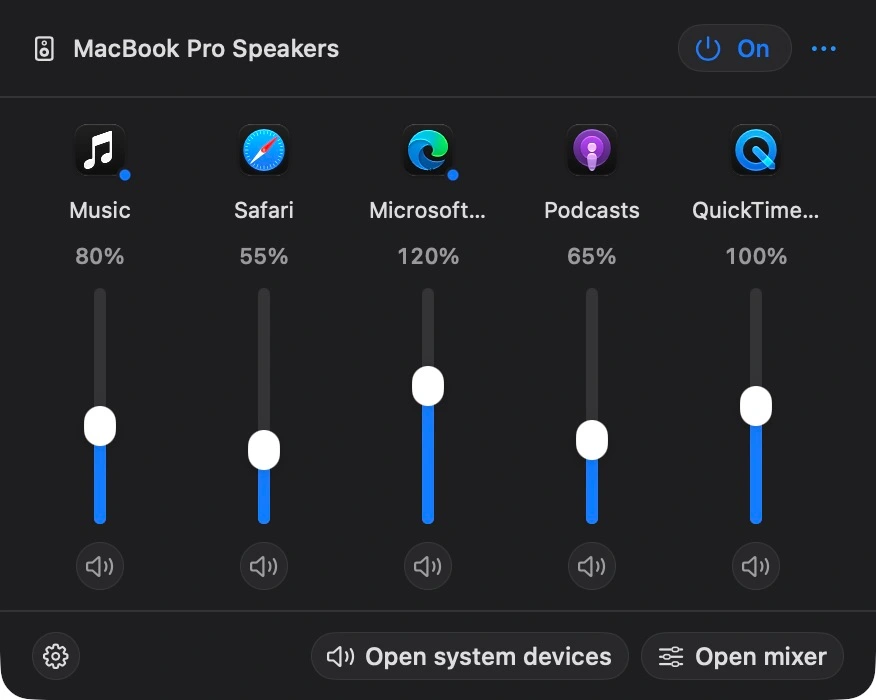
Set each app’s volume up to 200% or mute it with a click, even before it starts playing. Open the full mixer or system devices straight from the menu bar.
Get the sound
you like
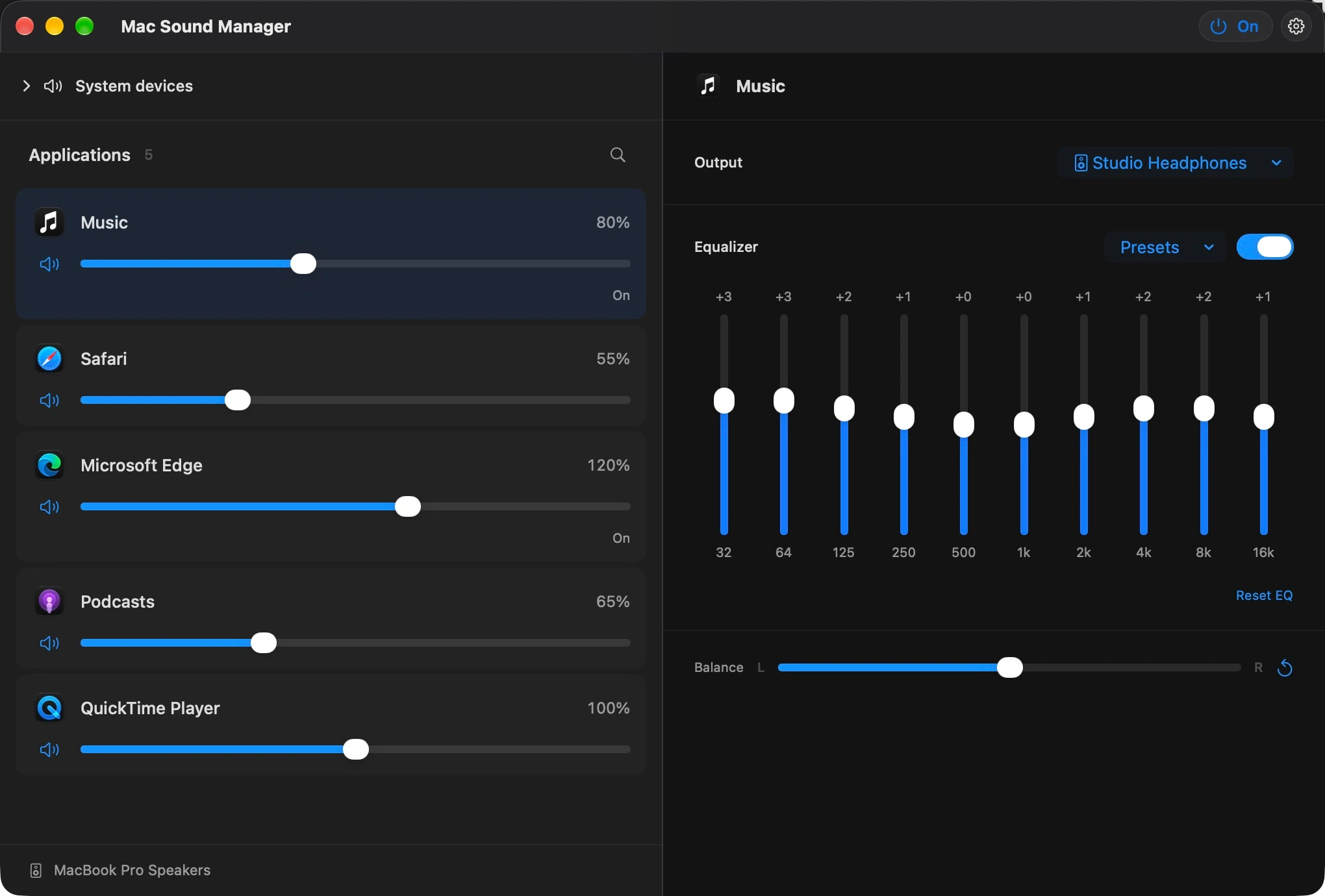
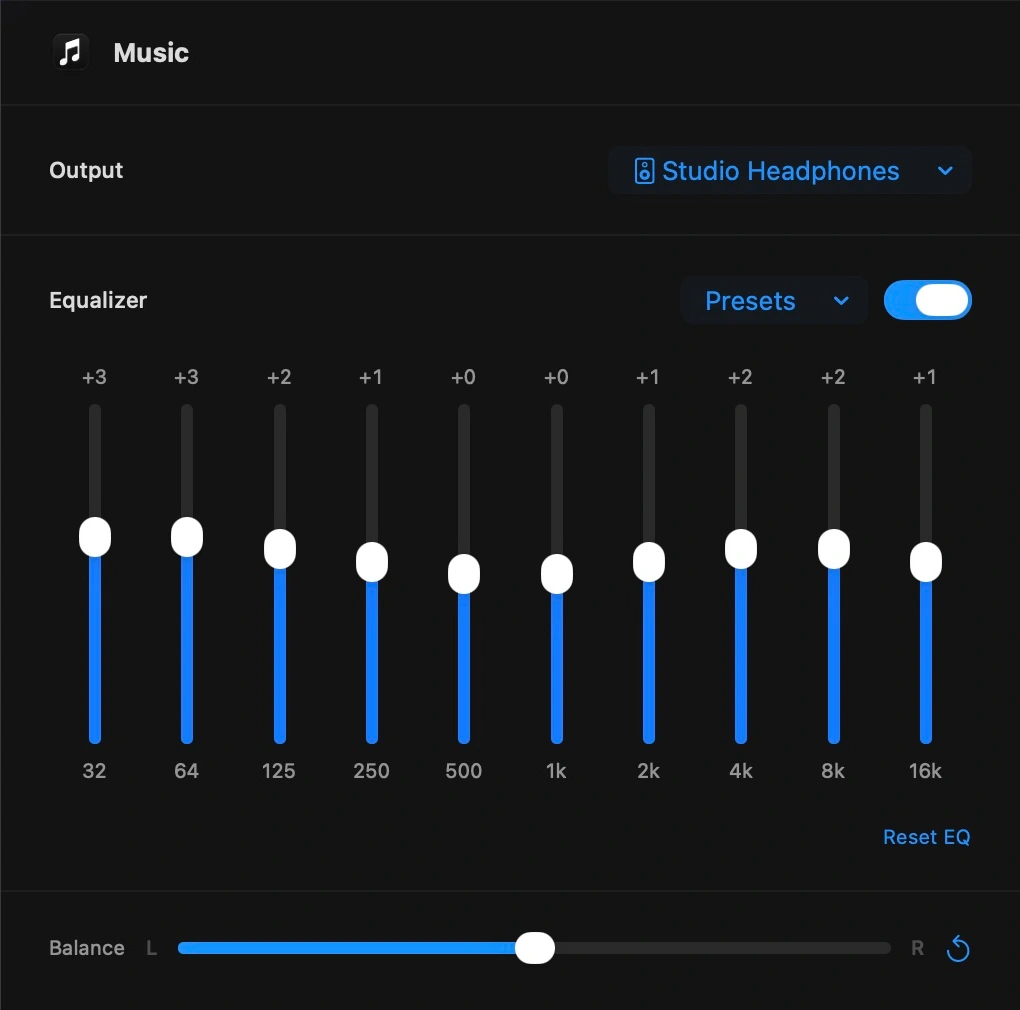
Shape each app with a 10-band equalizer and left–right balance. Start with a built-in preset, or save your own EQ curves to reuse across apps.
Choose where
each app plays
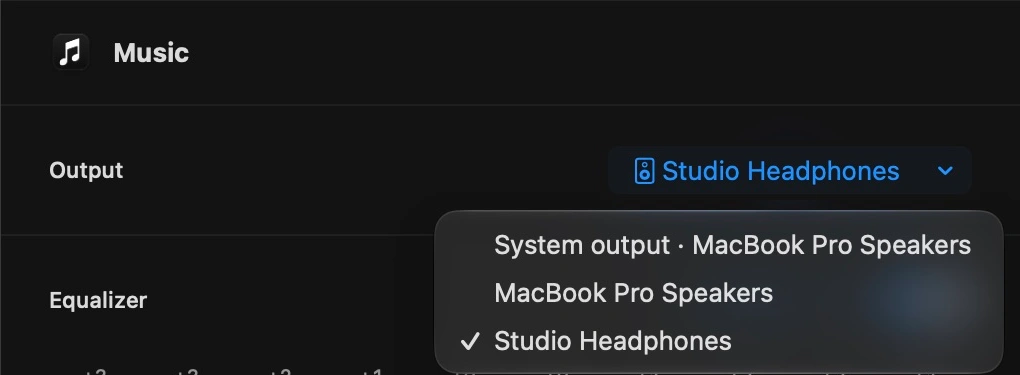
Send your music to headphones and keep your browser on the speakers. Choose a connected output for each app, or let it follow your Mac’s system output.
Your choices are remembered when devices disconnect and reconnect. Routing applies while processing is on.
Your Mac’s audio,
in one place
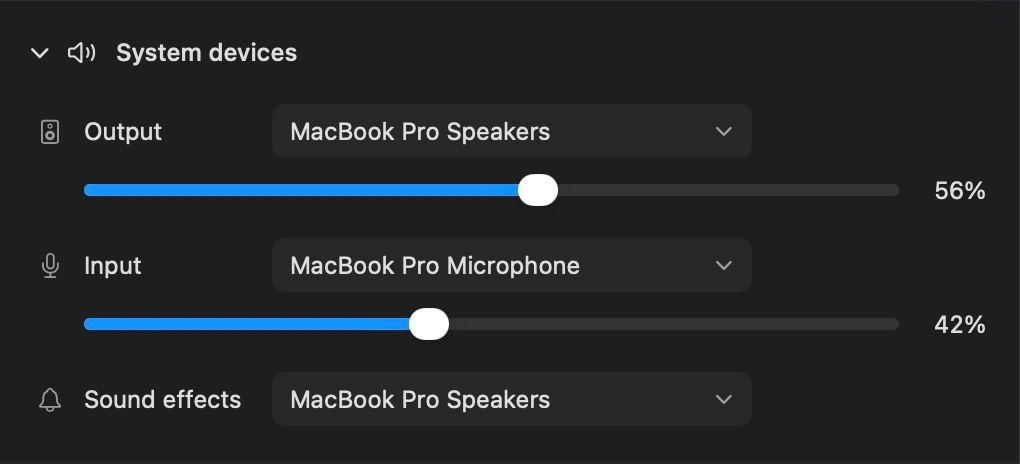
Switch the system output, microphone and sound-effects device. Adjust output and input volume when the device supports it, even with app processing turned off.
Just how you left it
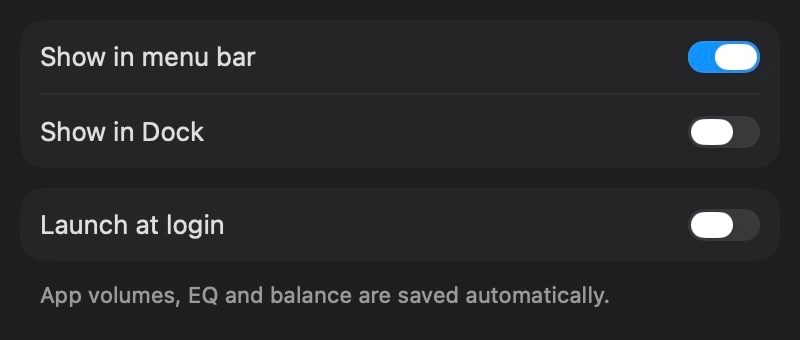
Volume, mute, EQ, balance and output choices are saved automatically. Turn the mixer off without losing your mix, start at login, and choose whether it appears in the menu bar or Dock.